Multiple Face Swap
Swap two or more faces in a single photo or video at once. AI-powered multi face swap with realistic blending.
Source Photo
Click or drop here Supports JPG, PNG, WEBPSign in with Google to start. See pricing
What Is Multiple Face Swap?
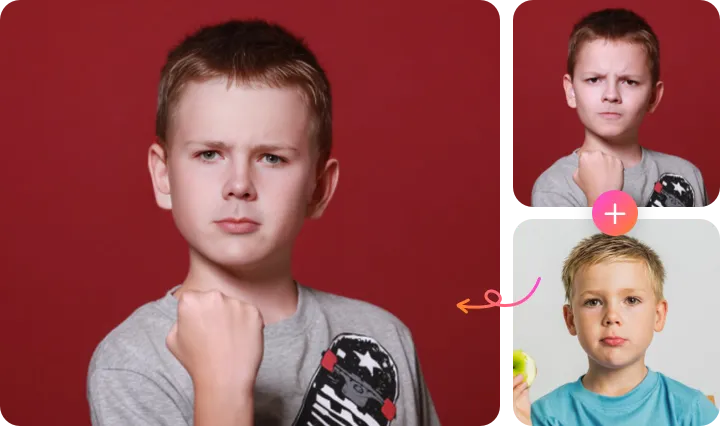
Multiple face swap is an advanced AI face swap mode that detects and replaces two or more faces in a single image or video simultaneously. While a standard face swap tool handles one face at a time, multiple face swap processes the entire group in a single operation — assigning each person a different replacement face and rendering all swaps at once for uniform, realistic results.
The technology works by first running a multi-face detection scan on your input image to locate every person in the frame. Each detected face receives its own set of facial landmark points — 68 reference coordinates that define the geometry of eyes, nose, mouth, and jaw. When you assign source faces to each target, the AI warps and blends them individually while applying global color grading to maintain visual consistency across the entire photo.
Multiple face swap is particularly powerful for group photos, family portraits, class photos, sports team images, and any scene with several people. Instead of spending time swapping each face one-by-one and reassembling the edits, EZFaceSwap completes the entire group face swap in a single click. The result is a cohesive, consistently-lit image where every face has been swapped to your specifications — with no watermark on the result.
Perfect for Family & Kids Photos
Family group photos are one of the most popular use cases for multiple face swap. Whether you're creating a fun holiday card, a birthday surprise, or a creative family portrait, swapping multiple faces lets you get exactly the result you want — even when someone blinked, looked away, or just had a bad hair day in the original shot.
EZFaceSwap handles kids' faces with the same accuracy as adults. The AI detects smaller faces in the frame and applies the same landmark-based blending process, producing natural results even for young children whose facial proportions differ significantly from adults.
For group photos with mixed ages — grandparents, parents, children, and toddlers — the multiple face swap algorithm handles each face independently while keeping the overall image lighting consistent, so every swapped face looks like it belongs in the original photo.
Kids & Family Multiple Face Swap
AI handles all ages — from toddlers to grandparents
How Multiple Face Swap Works
Select, assign, and swap multiple faces in one operation — no manual editing required.
Upload Group Photo
Upload the group photo or video containing the faces you want to swap. The AI automatically scans the image and highlights every detected face with a numbered selection box.
Assign Source Faces
For each numbered face in the target image, upload a source photo of the replacement face. You can assign different source faces to each target, or use the same source for multiple targets.
Swap All & Download
Click Swap and the AI processes all face replacements simultaneously. Skin tone, lighting, and blending are matched across every face. Download the result — no watermark.
Key Features of Multiple Face Swap
Built for groups — consistent quality across every face in the photo.
Up to 6 Faces at Once
Detect and replace up to 6 distinct faces in a single image or video frame. Perfect for small groups, sports teams, classroom photos, and family portraits.
Independent Face Assignment
Assign a completely different source face to each target person. Swap all 5 people in a group photo with 5 different replacement faces in one operation.
Consistent Lighting Across Faces
A global rendering pass ensures all swapped faces share the same lighting, color temperature, and grading — so the final image looks cohesive, not patchwork.
Works on Group Videos
Multiple face swap extends to video clips, tracking each individual face frame-by-frame with temporal consistency applied independently to every person.
Auto Face Detection
No manual marking required. The AI automatically detects every face in the image, including partially overlapping faces and faces at moderate angles.
One Price, No Watermark
Swap every face in a group photo for the price of one swap. Download the full-resolution result without any watermark added to your image.
Multiple Face Swap Use Cases
Group Photos & Family Portraits
Fix a group photo where someone blinked or looked away by swapping their face from a better shot. Or completely replace all faces in a family portrait for a creative holiday card.
Wedding Photos
Swap faces in wedding group shots to ensure everyone looks their best. Combine the best expression from each person across multiple takes into a single perfect group photo.
Sports Team Photos
Create fun team photos by putting all players' faces on a famous team's photo, or generate satirical sports content by mixing different players across teams.
Office & Corporate Content
Generate entertaining company culture content by face-swapping teams into famous scenes. Perfect for internal communications, team-building events, or company social media.
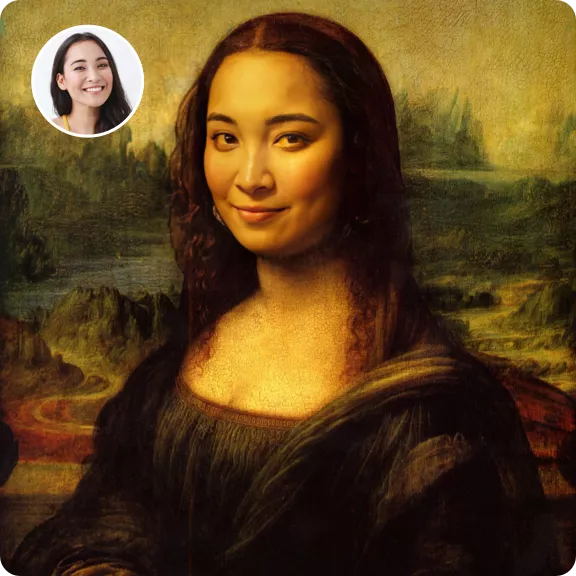
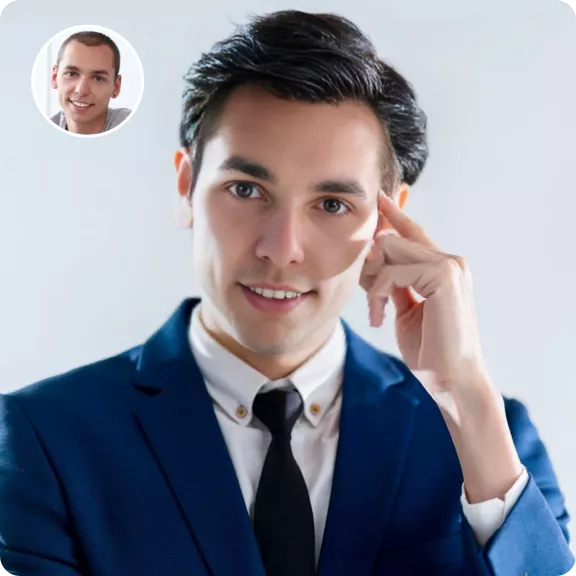
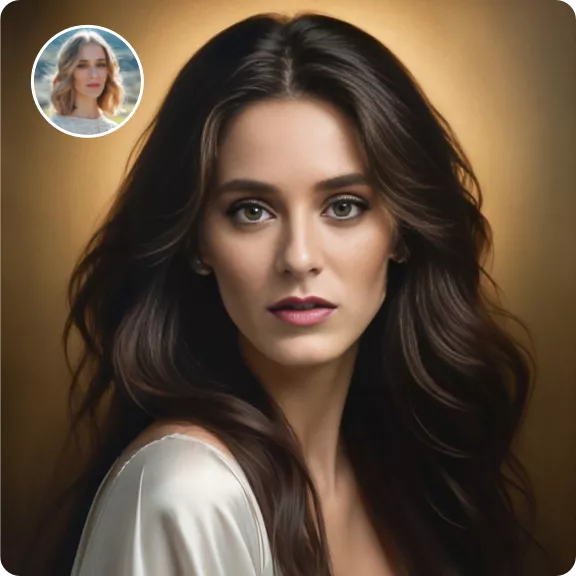
Multiple Face Swap Gallery

Multiple Face Swap — Frequently Asked Questions
What is multiple face swap?
How many faces can I swap at once with EZFaceSwap?
How much does multiple face swap cost?
Can the AI swap faces in a group photo?
Does each face need a separate source photo?
Will the multiple face swap look consistent across all faces?
Can I swap multiple faces in a video too?
What if the AI misses a face in my group photo?
Swap Multiple Faces at Once
Upload your group photo and replace every face simultaneously. Sign in with Google and download with no watermark.
Want sharper, more accurate face swaps? Sign in for better results →