Video Face Swap
Replace faces in videos with AI-powered frame-by-frame face swap technology. Fast, realistic, and watermark-free.
Source Video
Click or drop here Supports M4V, MP4, MOV, WEBMTarget Face (the new face)
Click or drop here Supports JPG, PNG, WEBPSign in with Google to start. See pricing
What Is Video Face Swap?
Video face swap is AI-powered video editing that replaces a person's face in a video clip with a different face from a source photo or video. The process happens frame-by-frame across the entire video, with the AI maintaining consistency so the replacement looks natural throughout every second of footage.
Unlike simple image filters or static overlays, true AI video face swap tracks facial movements, head rotations, and expressions in real time. The source face adapts to match every micro-expression in the original video — smiles, blinks, lip movements — creating a result that's genuinely convincing rather than obviously edited.
Video face swap has exploded in popularity for entertainment content creation, deepfake detection research, film production previsualization, and educational purposes. EZFaceSwap makes high-quality video face swap accessible to everyone — no professional video editing software, no technical skill, and no watermark on your output. Just upload your video, provide a clear source face photo, and the AI handles the entire frame-by-frame replacement process.
Whether you're creating content for social media, making a funny video to share with friends, or exploring AI capabilities, EZFaceSwap's video face swap tool delivers frame-consistent, HD-quality results in minutes rather than the hours required by traditional video editing workflows.
How Video Face Swap Works
EZFaceSwap processes your video through a multi-stage AI pipeline for smooth, realistic results.
Upload Video & Source Face
Upload the video file and a clear photo of the face you want to insert. The source face photo should show the subject looking forward under good lighting.
Face Detection & Tracking
The AI scans every frame of the video to detect and track the target face. Facial landmarks are mapped for each frame to follow head movement and expression changes.
Frame-by-Frame Replacement
The source face is warped and blended onto the target face in each frame, with skin tone and lighting matched automatically. Temporal consistency ensures smooth transitions.
Download HD Result
Your face-swapped video is compiled with original audio preserved. Download the full HD result instantly — no watermark, no quality loss.
Video Face Swap Demo Results
Frame-by-frame face swap results from real videos processed by EZFaceSwap.
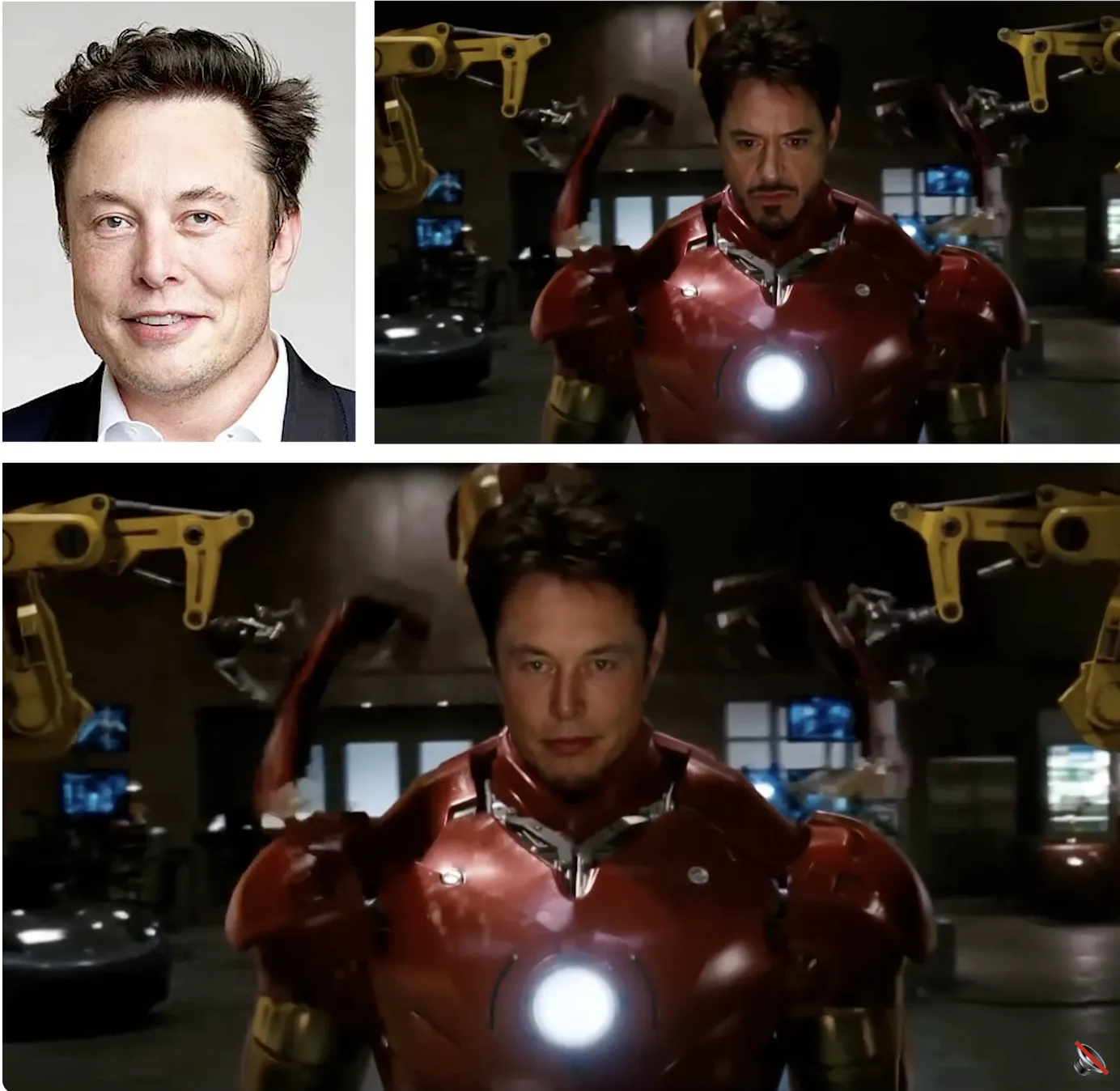
Portrait Video Swap
Realistic face replacement preserving original lighting and pose
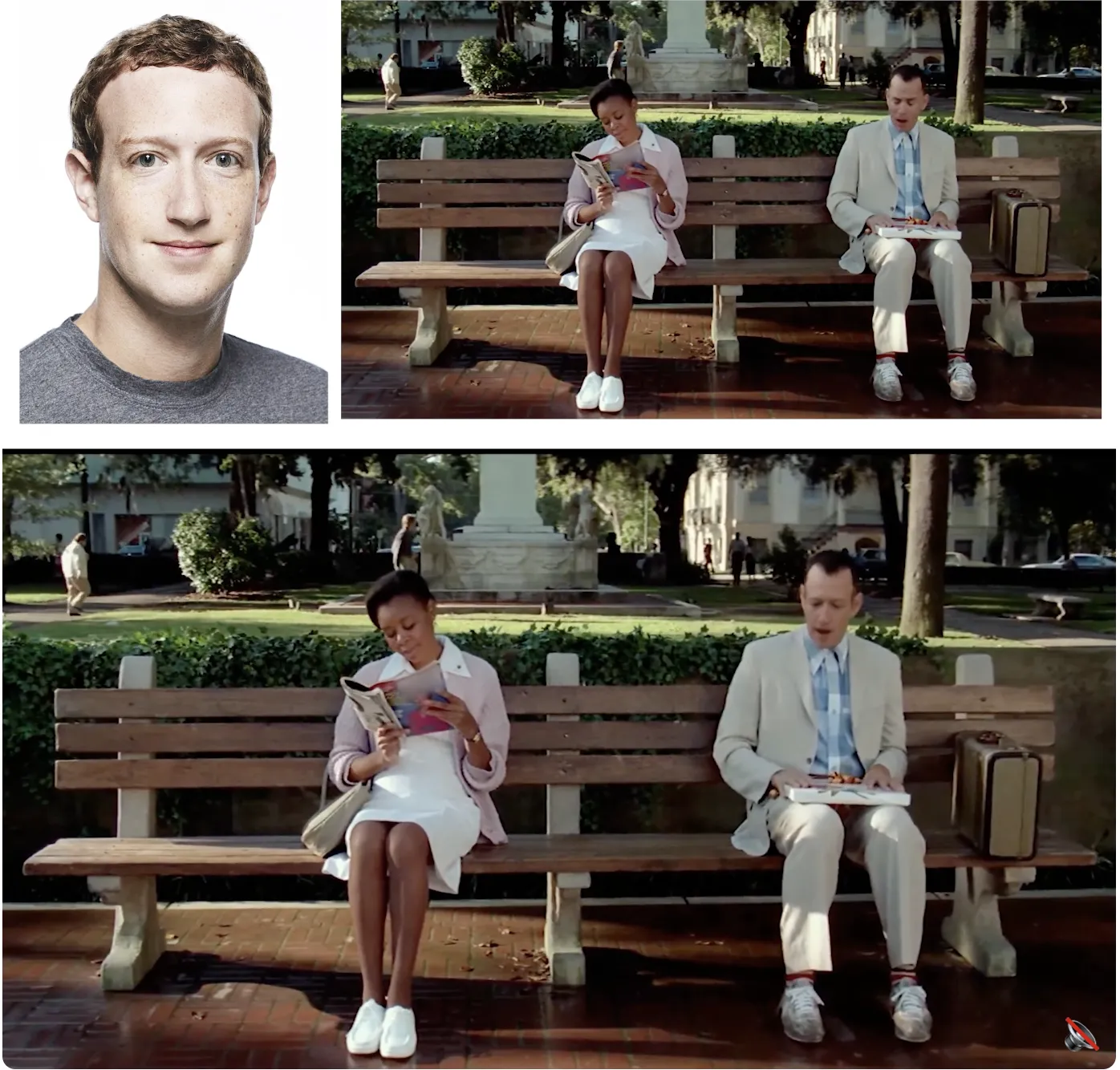
Motion Tracking
AI tracks facial movement frame-by-frame for seamless results
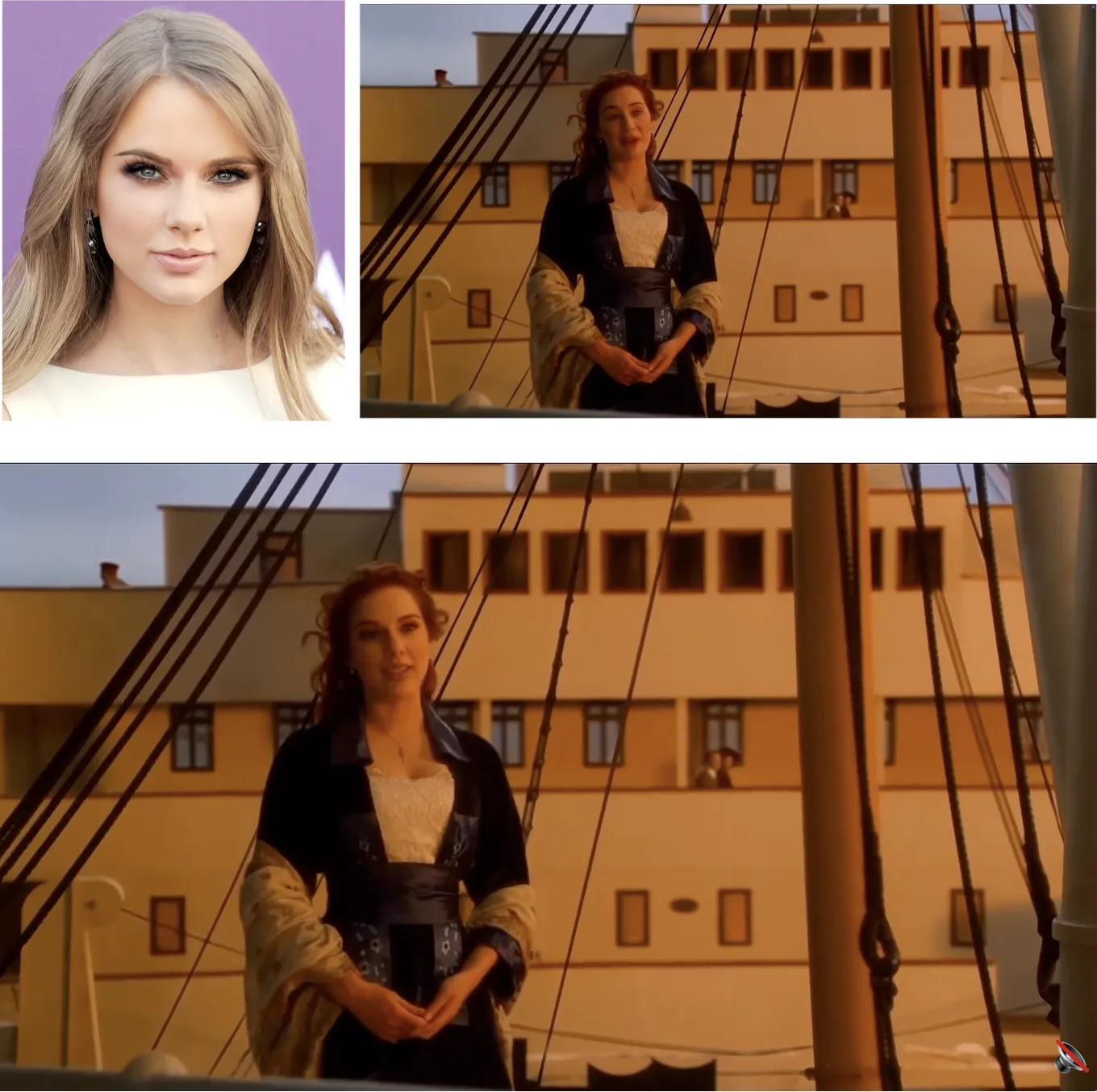
Expression Match
Facial expressions and emotions preserved during the swap
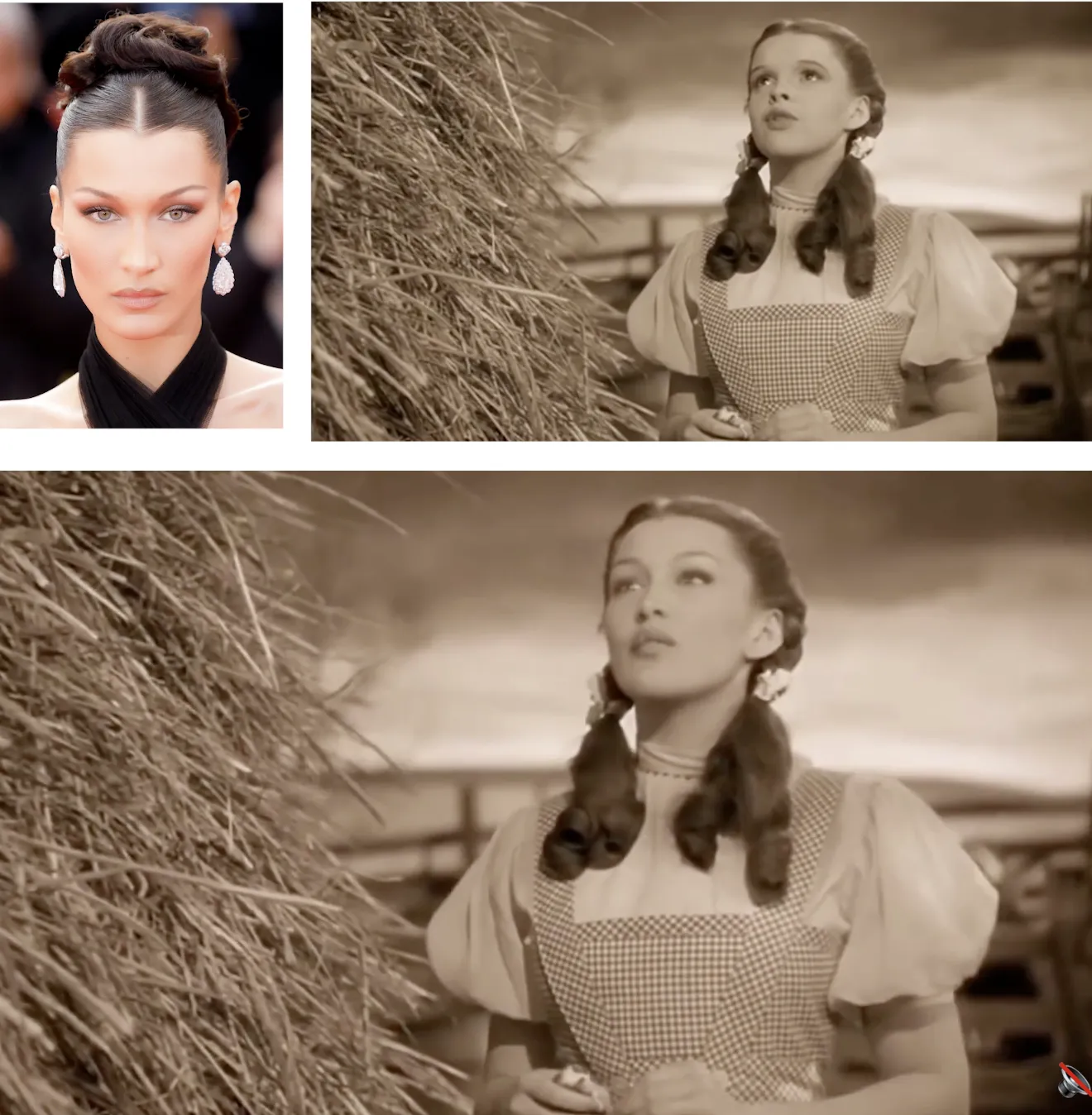
HD Final Output
High-definition output with no quality loss or watermark
Key Features of AI Video Face Swap
Professional-grade video face swap, right in your browser.
Frame-by-Frame AI Processing
Every frame is individually processed by the AI model. Facial positions, expressions, and lighting are re-calculated per frame for consistent, artifact-free results.
Temporal Consistency
Advanced temporal smoothing prevents flickering or jitter between frames. The face swap holds stable even through fast head movements and sudden lighting changes.
Expression & Lip Sync Preservation
Mouth movements, blinks, smiles, and other facial expressions from the original video are fully preserved in the swapped face output.
HD Video Output
Download your face-swapped video in the original resolution — up to 1080p HD — with the original audio track fully intact.
No Watermark
Unlike many free tools, EZFaceSwap adds zero watermarks to your video output. Your final clip is clean and ready to share or post.
Multiple Face Formats Accepted
Works with all common video formats: MP4, MOV, AVI, and WEBM. Upload from any device or recording source.
Who Uses Video Face Swap?
Content Creators & YouTubers
Create engaging content by putting your face in movie trailers, TV clips, or viral video scenes. Video face swap generates shares and grows audiences on YouTube and TikTok.
Film & Pre-visualization
Directors and producers use video face swap for rapid pre-visualization — testing actor placements or storyboard concepts before committing to full production shoots.
Social Media & Meme Creators
Generate viral meme videos, parody clips, or reaction videos using AI video face swap. Works perfectly for popular video formats and trending audio clips.
Education & Research
Academics study video face swap technology to develop detection tools and better understand AI-generated media. EZFaceSwap provides a practical reference tool.
Video Face Swap — Frequently Asked Questions
What is AI video face swap?
How much does video face swap cost?
What video formats does EZFaceSwap support?
How long can the video be for face swap?
Does the video face swap stay consistent across frames?
Can I swap faces in a video where the person is talking?
Will the audio be preserved in the video face swap?
What makes video face swap harder than photo face swap?
Swap Faces in Your Video
Upload any video and see realistic AI face swap results in minutes. Sign in with Google, pay only for the seconds you keep, and download with no watermark.
Want sharper, more accurate face swaps? Sign in for better results →